Bannin
A memory watchman for KDE Plasma on Linux. Bannin shows RAM and swap in your panel, warns you before the system runs out of memory and freezes, and can stop dev tools you forgot about (Metro, Gradle daemons, the Android emulator).
Install
Needs KDE Plasma 6 and systemd. No root, Go or git.
Download the file for your CPU (x86_64 or aarch64) from Releases, then run this in the same folder:
tar -xzf bannin-0.1.0-linux-$(uname -m).tar.gz
cd bannin-0.1.0-linux-$(uname -m)
./install.sh
Needs KDE Plasma 6, systemd, git, make and Go 1.26.2 or newer.
git clone https://github.com/binit2-1/bannin.git
cd bannin
make service-install widget-install
Then right-click your panel, choose Add Widgets… and add Bannin.
Features
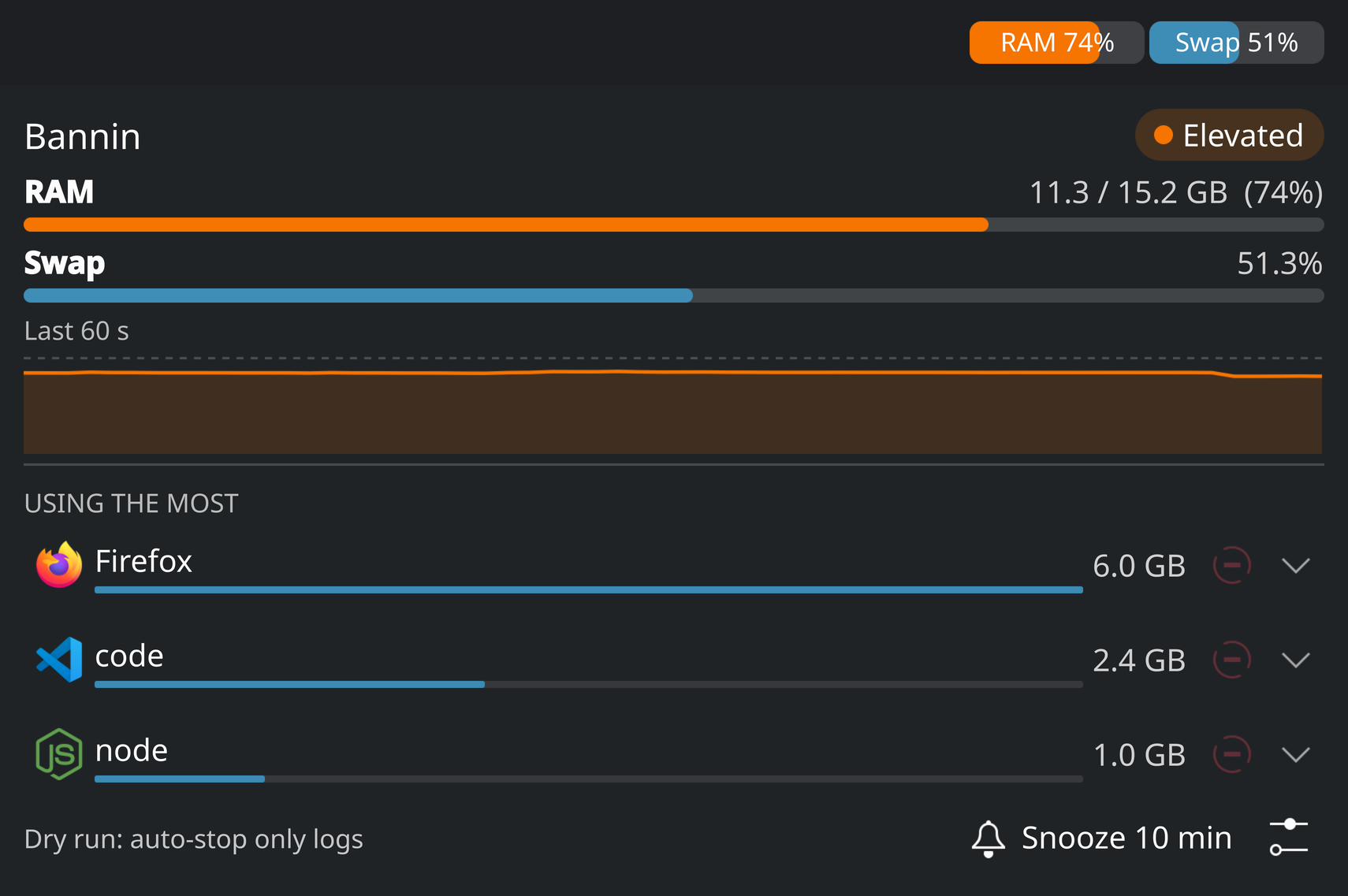
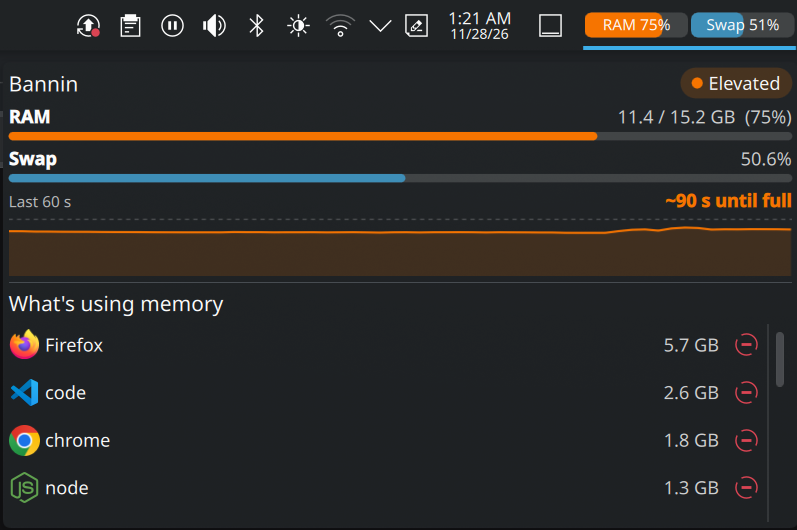
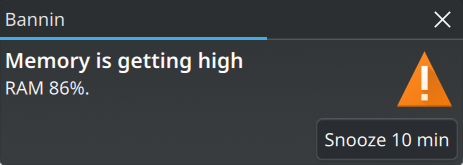
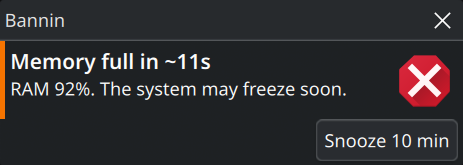
Bannin also offers a Stop button for dev tools left running after their terminal closed (Metro, Gradle daemons, the Android emulator). Auto-stop starts in dry run: it only logs what it would stop.
Update
Download the new release and run its installer. The last line restarts the Plasma panel to load the new widget. Your settings are kept.
tar -xzf bannin-0.1.0-linux-$(uname -m).tar.gz
cd bannin-0.1.0-linux-$(uname -m)
./install.sh
systemctl --user restart plasma-plasmashell
Pull the latest code and install it again. This also restarts the Plasma panel. Your settings are kept.
cd bannin
git pull
make service-install widget-refresh
Remove
Remove the widget from your panel if it is still there afterwards. Your settings stay in ~/.config/bannin.
cd bannin-0.1.0-linux-$(uname -m)
./uninstall.shcd bannin
make service-uninstall
kpackagetool6 -t Plasma/Applet -r io.github.binit2-1.bannin
rm ~/.local/bin/bannin ~/.local/bin/bannind